 AutoFlow
Batch AI generation for Google Flow.
Paste your prompts. Choose your references. AutoFlow runs image and video batches, follows progress, upscales results, and saves them into your folder.
⚠ Sound familiar?
You’re Still Doing This by Hand?
AutoFlow turns every one of those repeated clicks into one visible production run.
Inside AutoFlow
Every Part of the Workflow, in One Panel.
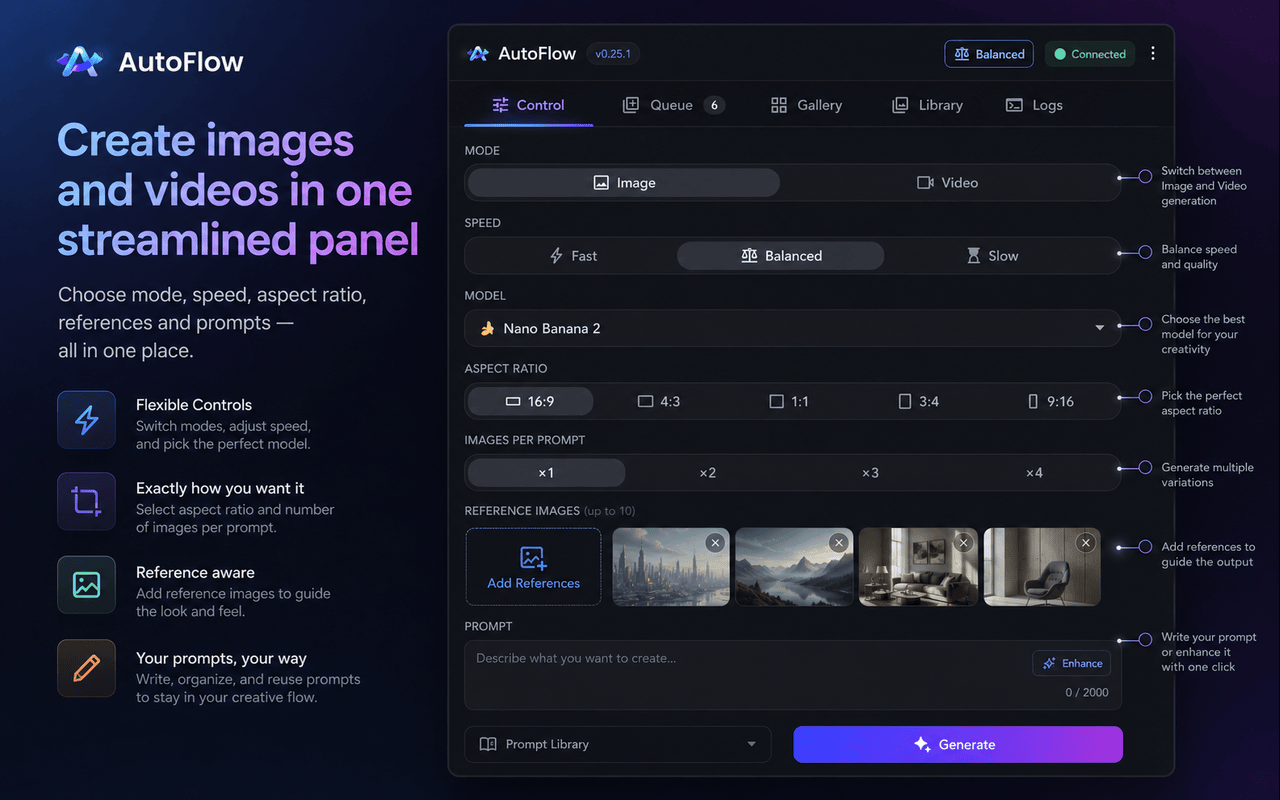
Your Mission Control Panel
Switch between Image and Video mode. Pick the available model, aspect ratio and output count. Paste one prompt per line, add references, then start the complete batch.
- Nano Banana image models
- Up to 4 images per prompt
- Reference images up to 10
- Landscape and portrait ratios
- Standard, 2K and eligible 4K
- Available Google Flow video models
- Up to 4 videos per prompt
- Text, Start and Start + End modes
- Reference mode where supported
- Automatic video downloads
Send the exact intended visual context with every prompt.
A Production Pipeline, Not a Waiting Screen
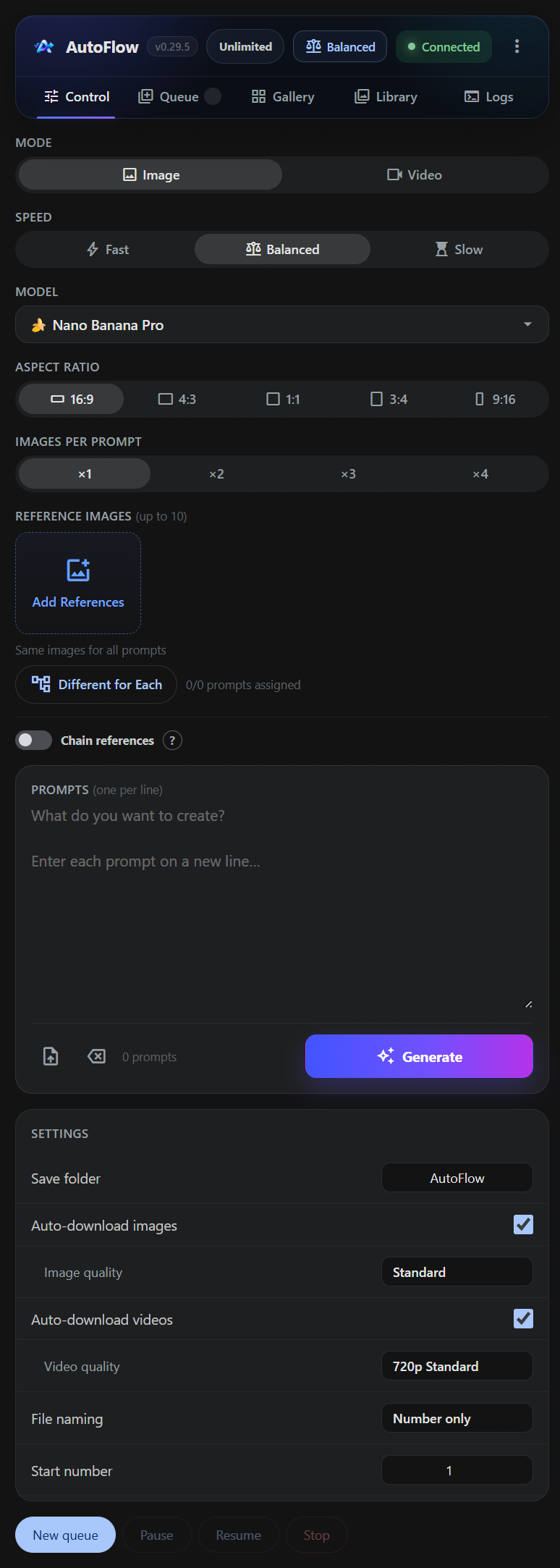
Prepare another batch while the current one runs. Each batch keeps its own prompts, references, model, folder and output settings. When one finishes, the next begins.
- Queue multiple independent batches
- Automatic next-batch start
- Pause, resume and safe stop
- Delete only the selected batch
- Recover saved pending jobs
- Search batch history
- Prompt-level status details
- Reference thumbnails per prompt
- Clone previous settings
- Repair failed generations
Watch Results Land in Real Time
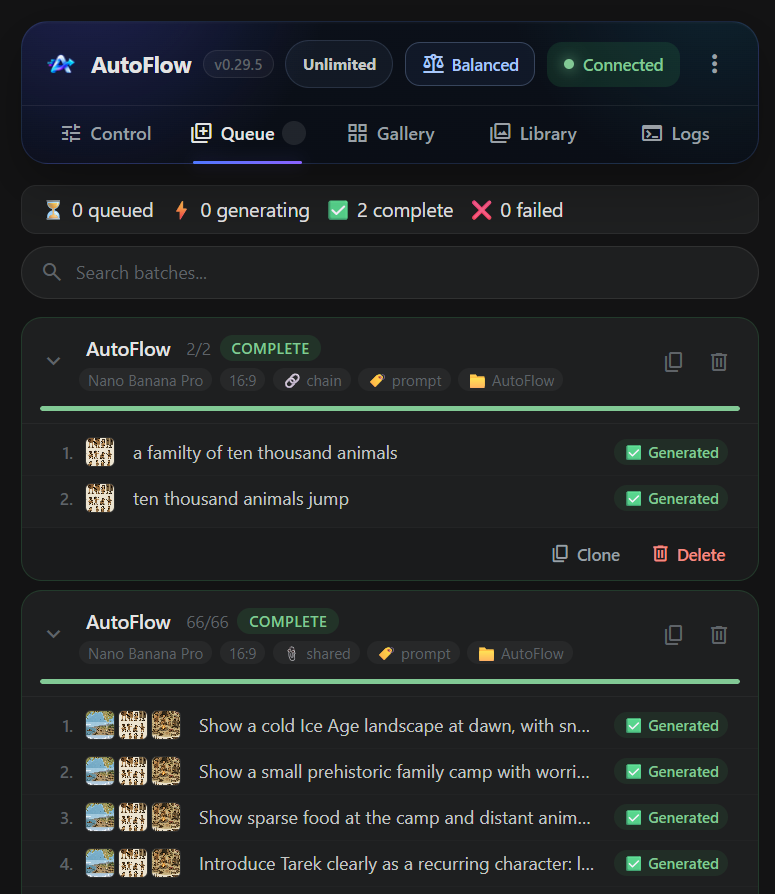
Every generated image and video remains grouped by batch and prompt. Preview the work, select what you need and download it without losing the settings that produced it.
- Grouped batch galleries
- Prompt-by-prompt results
- Image and video previews
- Persistent result history
- Lightweight preview media
- Select individual results
- Select a complete batch
- Standard or upscaled quality
- Predictable filenames
- Configured output folder
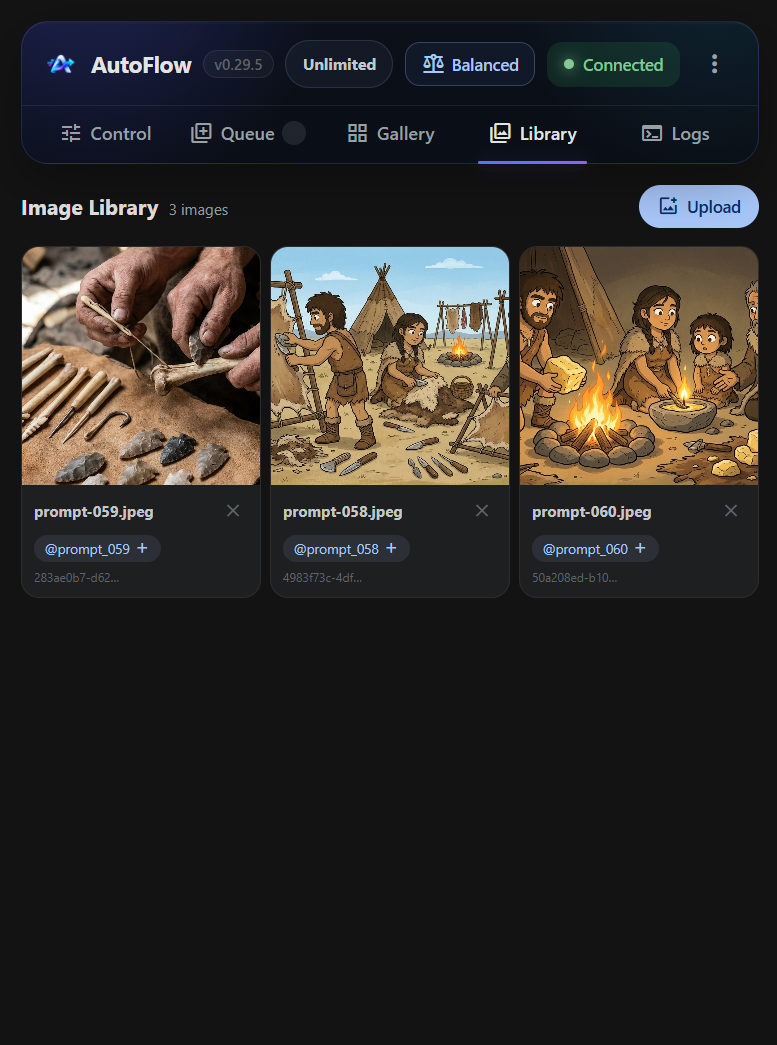
Your Creative Assets, Always Ready
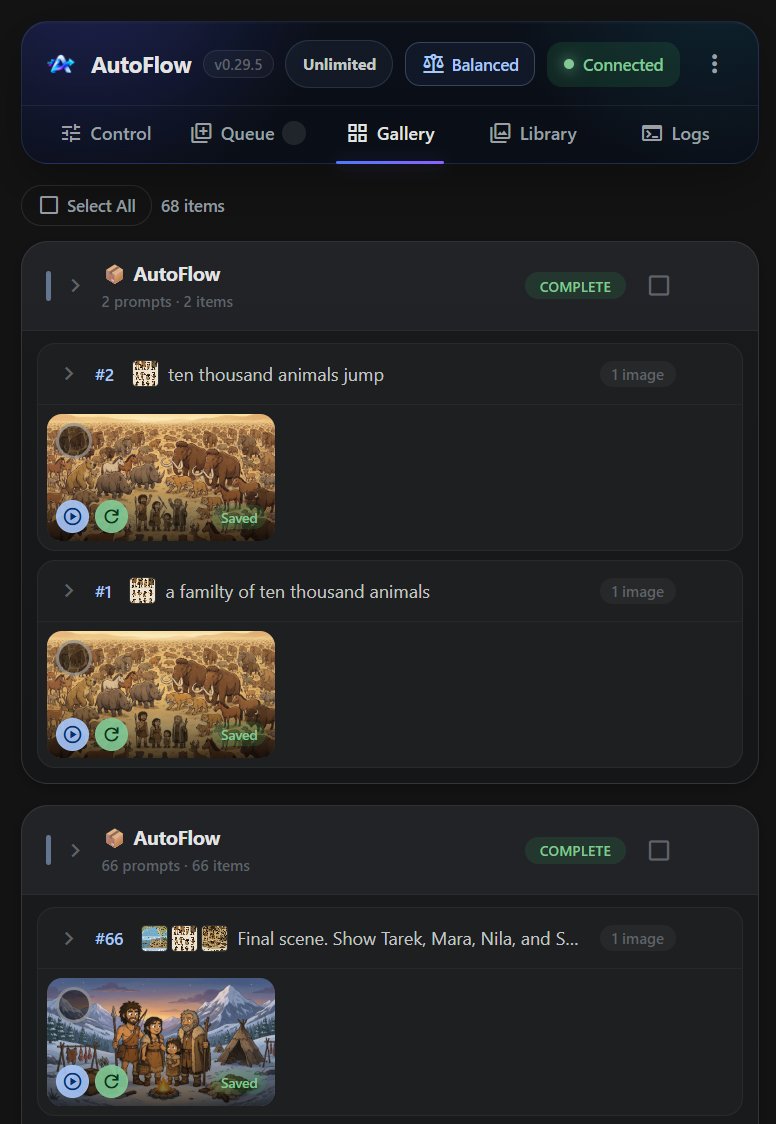
Upload reference images once and reuse them across batches. Preview each asset, select only what should be sent, and remove items you no longer need.
- Visible upload progress
- Controls blocked during upload
- Reusable library media
- Remove unwanted references
- Generated results kept separate
- Shared image references
- Different reference for each prompt
- Video start frames
- Video end frames
- Up to 10 references
Build a related image sequence without manually re-uploading each previous result.
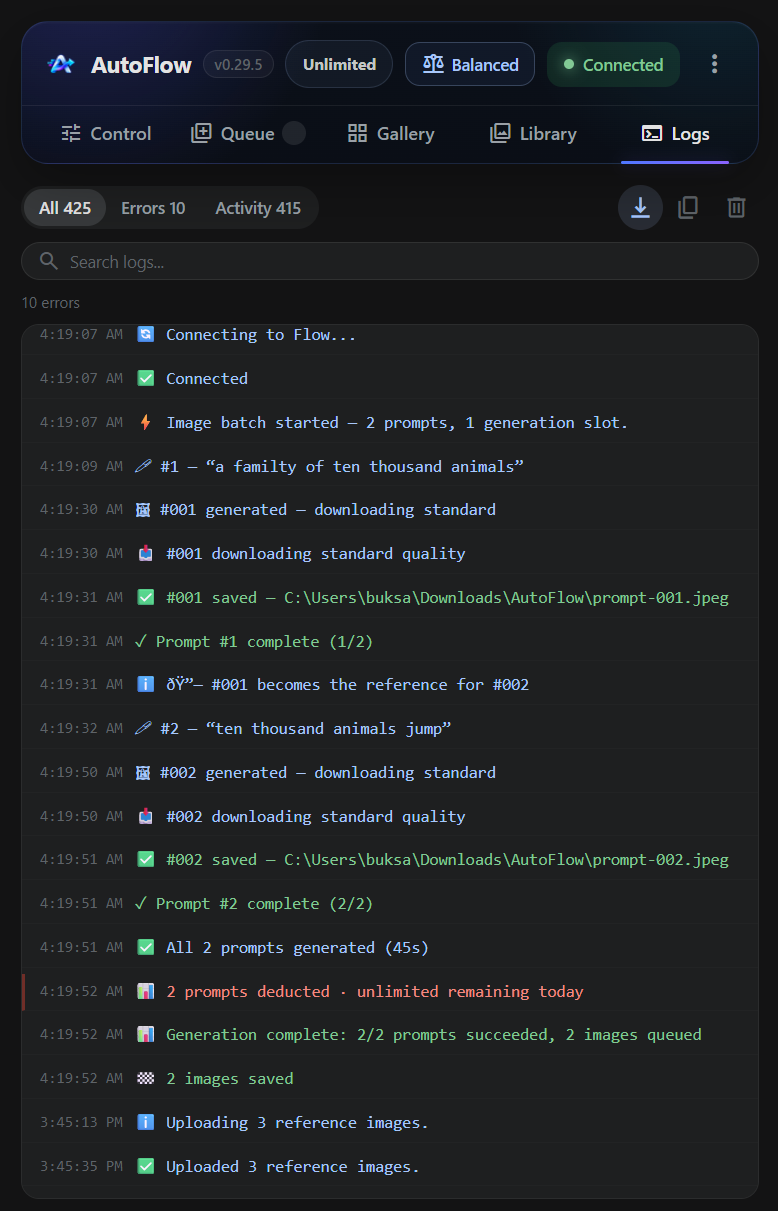
Full Transparency. Zero Guesswork.
Connections, generation attempts, retries and downloads are explained in a readable activity stream. When work stops, AutoFlow tells you why.
- Live activity updates
- Colour-coded severity
- Readable prompt progress
- Persistent operational history
- Clear completion summaries
- Visible connection state
- Quota and resource messages
- Retry and failure details
- Download confirmation
- Account mismatch guidance
From Narration to a Finished Video Workflow
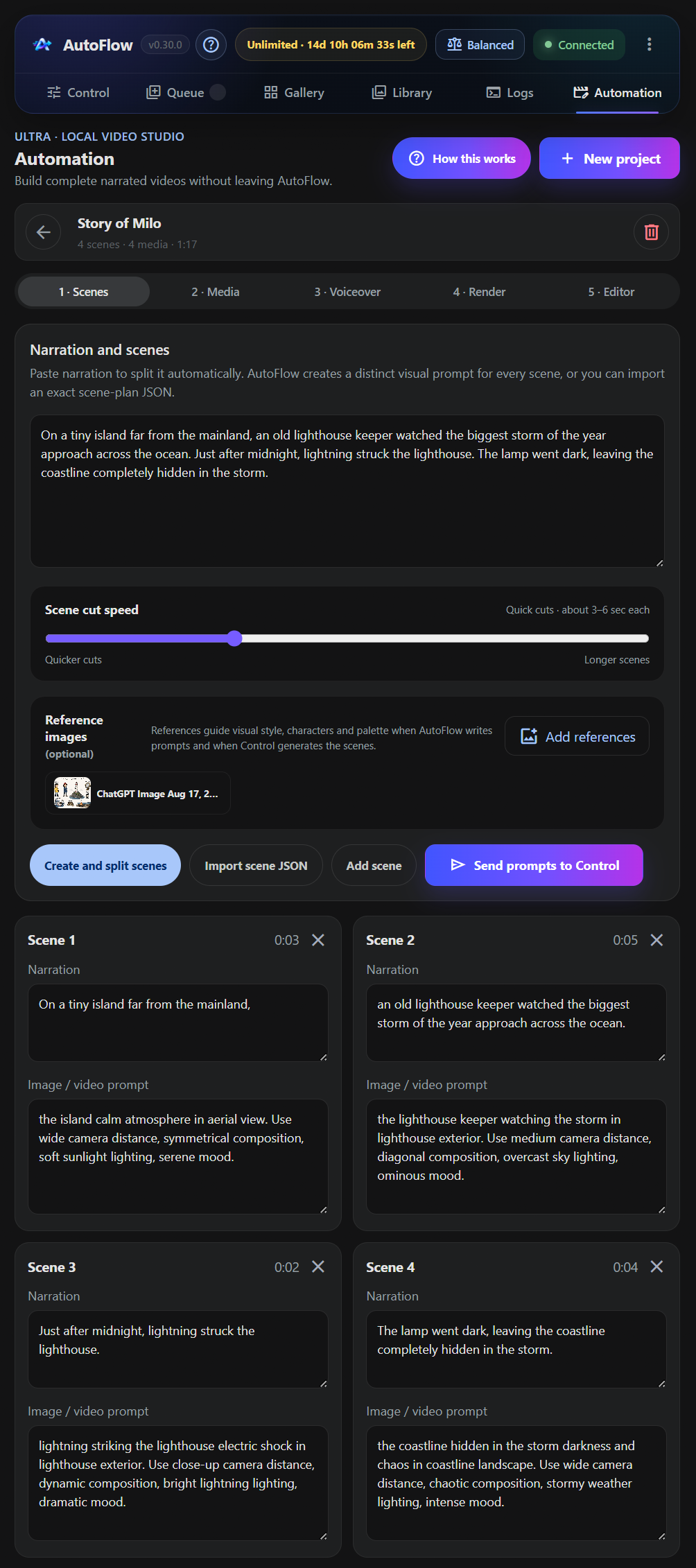
Automation is AutoFlow’s scene-based video workspace. Start with narration or an existing scene plan, build visual prompts, generate or import the matching media, sync everything to one voiceover, then review, edit and render the final video from the same project.
- Split narration into individual scenes
- Import an existing scene-plan JSON
- Create scene-specific visual prompts
- Keep generation references with the project
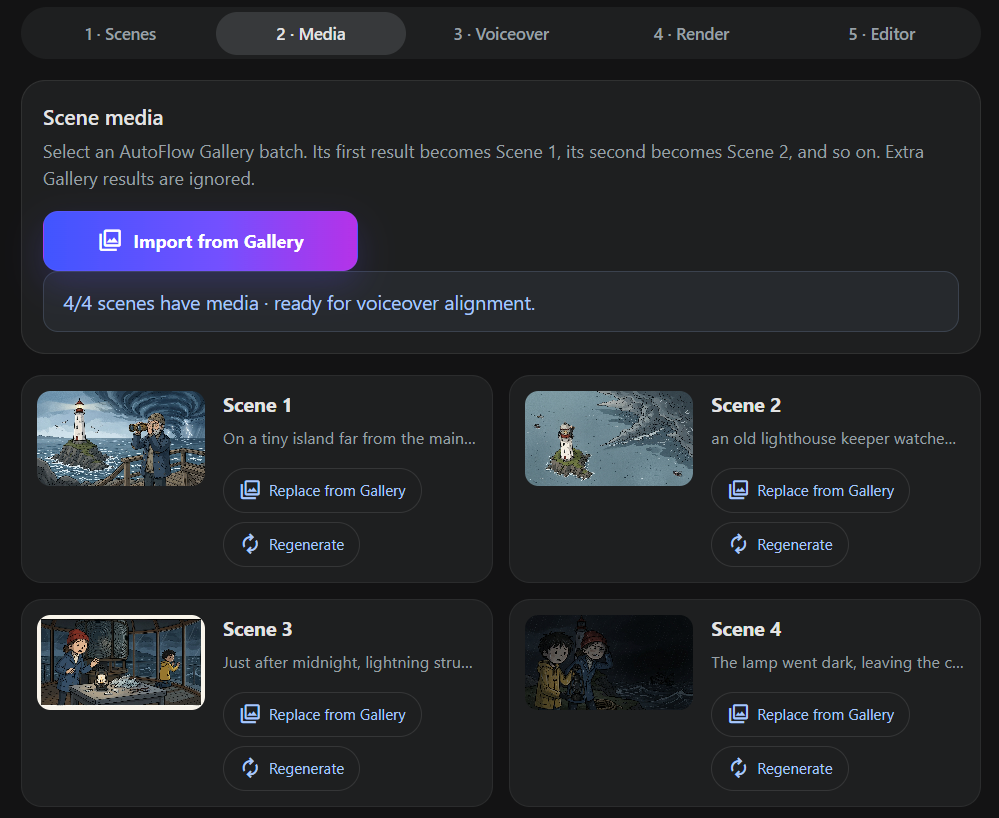
- Import, replace or regenerate media from Gallery
- Synchronise scenes to one continuous voiceover
- Preview with waveform, playhead and draggable cuts
- Split scenes, trim clips and adjust video speed
- Add optional burned-in subtitles
- Render the completed project as a 1080p MP4
The Old Loop vs. the AutoFlow Workflow
- × One prompt at a time
- × Save every file manually
- × Random or inconsistent filenames
- × Rebuild references for each run
- × No recoverable queue
- × Unclear failure reasons
- × Babysit every generation
- ✓ Complete prompt batches
- ✓ Automatic organised downloads
- ✓ Clean sequential naming
- ✓ Shared, mapped or chained references
- ✓ Persistent queue and gallery
- ✓ Readable retries and errors
- ✓ Prepare the next batch while one runs